How To Create a DDP image of a double-layer DVD-Video with automatic layer-break detection
With GEAR PRO Mastering Edition, it's easy to create a DDP image of a double-layer DVD-Video title. This allows you to see that the layer-break set in the video authoring software is detected and properly used by GEAR PRO Mastering Edition. You can be sure that when the DDP is sent off to a mastering/replication facility it will have the layer-break set correctly.
To create a DDP image of a double-layer DVD-Video title
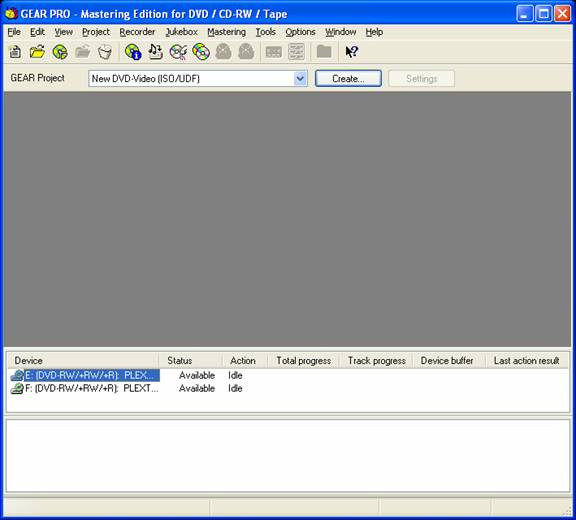
- 1. Start GEAR PRO Mastering Edition.
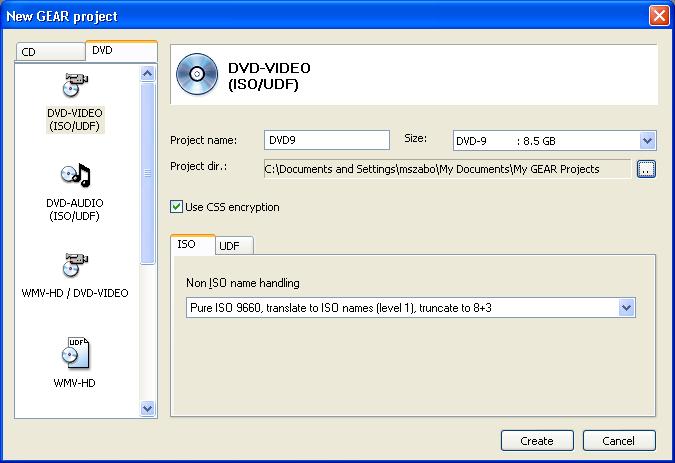
- 2. Create a new DVD-9 DVD-Video Project; optionally select "Use CSS encryption".
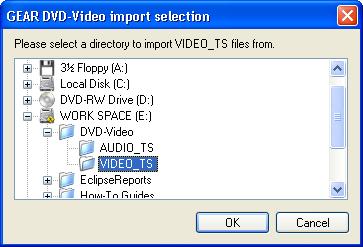
- 3. Import the VIDEO_TS content.
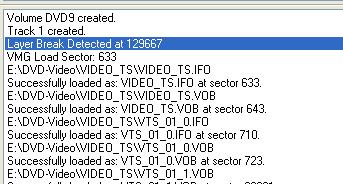
- 4. During the VIDEO_TS import, GEAR will detect the layer-break value that was set in the DVD-Video authoring software (shown here in ECC blocks).
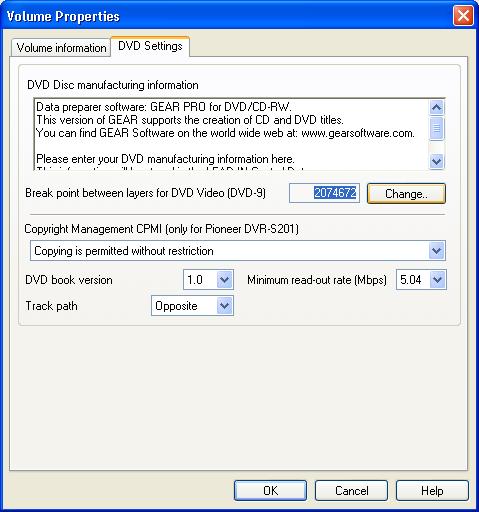
- 5. Check the Volume Properties dialog for the layer-break value (shown here in sectors).
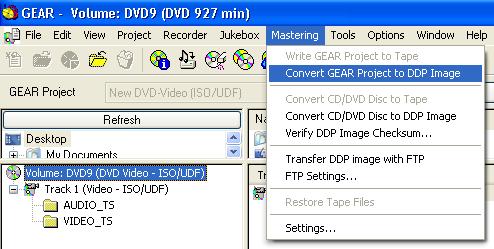
- 6. To create the DDP image, select Mastering > Convert GEAR Project to DDP Image.
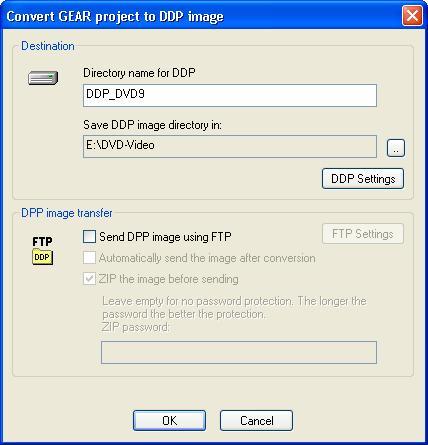
- 7. Select the name for the DDP image, and the directory to write it to.
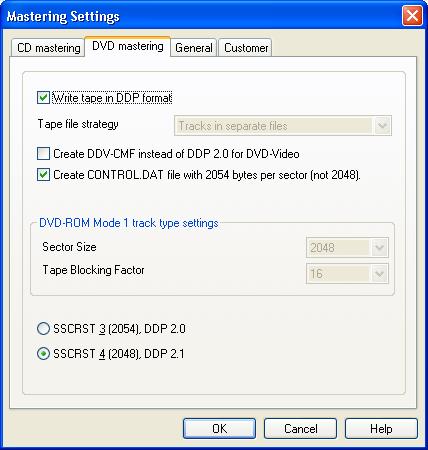
- 8. Select your DDP Settings
(SSCRST 4 for VIDEO_TS that was not flagged for CSS by the video authoring software)
(SSCRST 3 for VIDEO_TS that is flagged for CSS by the video authoring software)
NOTE: Make sure DDV-CMF is NOT selected when creating
"SSCRST 3" or an error will occur in your DDP!
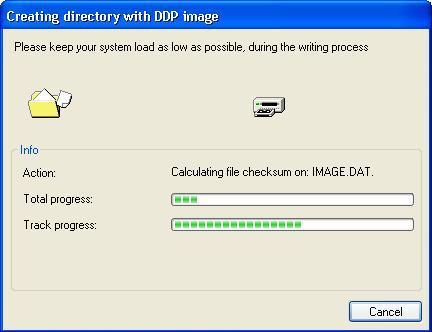
- 9. GEAR will create the DDP image in the directory you specified.
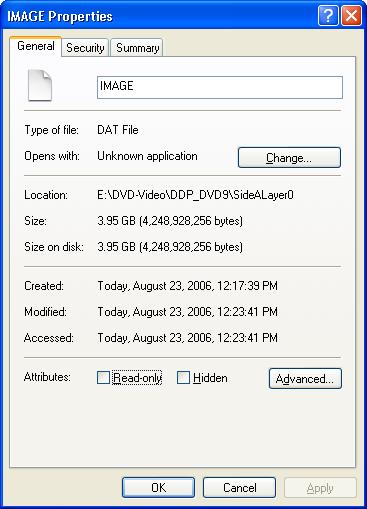
- 10. Check the properties for the IMAGE.DAT file in SideALayer0 folder
- 11. SideALayer0 IMAGE.DAT is 4,248,928,256 bytes
4,248,928,256 bytes ÷ 2,048 bytes/sector = 2,074,672 sectors (layer-break value in sectors)
2,074,672 sectors ÷ 16 ECC sector blocks = 129,667 ECC blocks (layer-break value in ECC blocks)
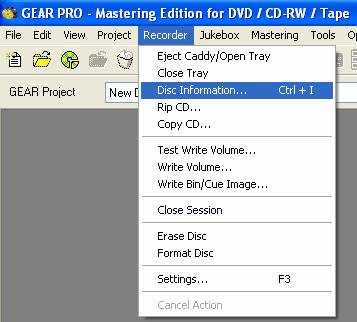
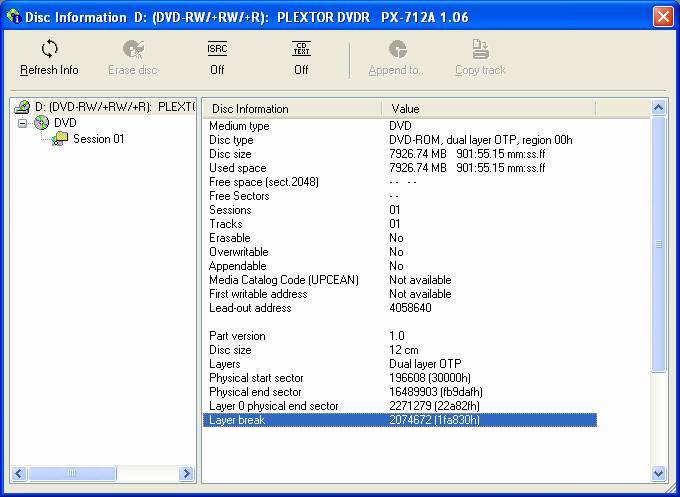
- 12. If you record the project to DVD±R DL media, place the disc back into the recorder, and pull the disc information...
- You can see that the layer-break was set properly.
You now have a DDP image with a properly set layer-break value that was automatically detected by GEAR.
(Applies to pending GEAR PRO Mastering Edition 7.03 rc19 and later releases only)
|