How to create a novelty Audio-CD with track introductions using GEAR Video 8
Everyone makes their own Audio CDs from their music collection nowadays, but wouldn't it be
nice to give that special person, not only a personalized music CD with specific songs, but a CD
with introductions to the songs, letting them know how much the song, and ultimately they,
mean to you?
Follow this simple step-by-step guide to learn how wonderful it can be to create 'personalized'
music CDs using GEAR Video. You can make these 'novelty' CDs for just about any occasion. How about a 'Valentine's Day
CD' for that special person? With introductions to the songs recorded by you telling that special
someone, just how much, '...the following song reminds me of our first date...", etc.
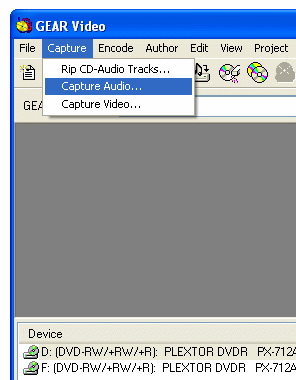
- Record your introductions using GEAR Video.
Capture --> Capture Audio
Note: Make sure your microphone is plugged into the Mic jack on your sound card.
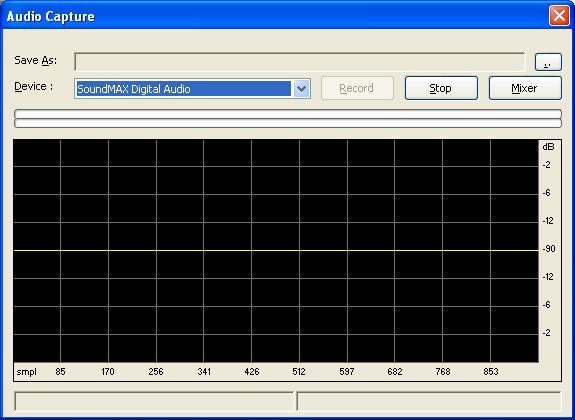
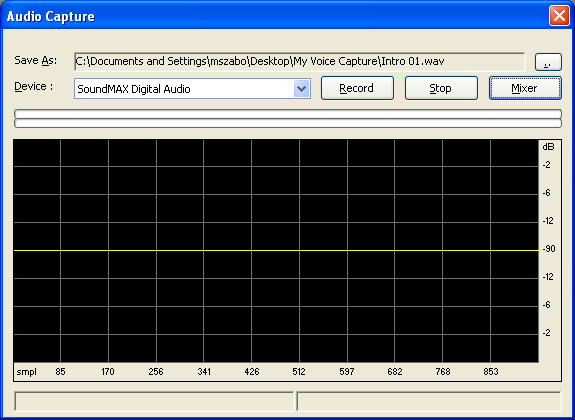
- The Audio Capture window comes up...
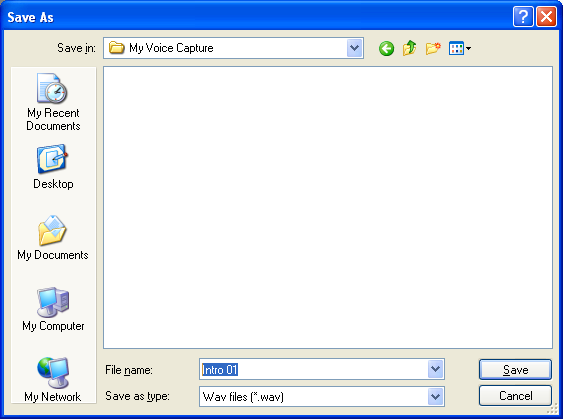
- Select the '...' button to select 'where' to save your introduction.
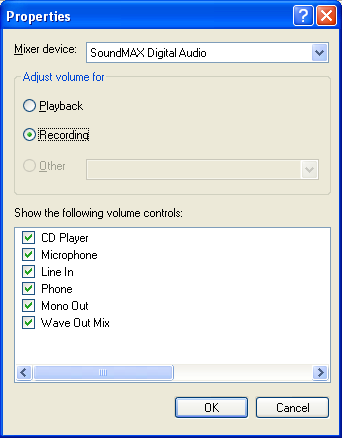
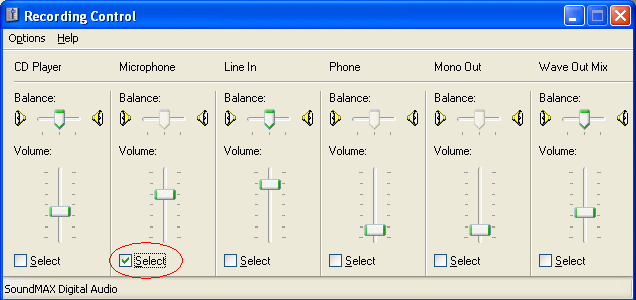
- Select Mixer, then on 'Volume Control' select Options -> Properties
Select Recording
- Select the 'Microphone' as the recording input source. Adjust the volume level accordingly.
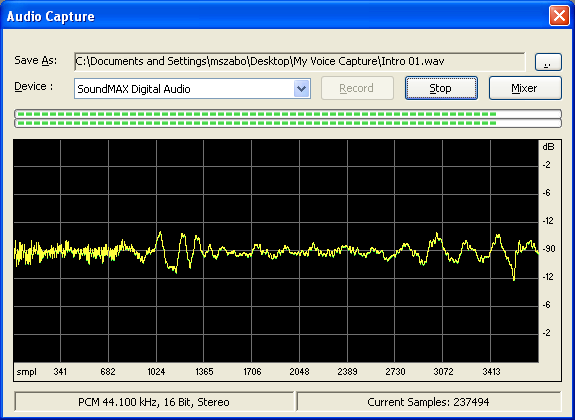
- Select the Record Button.
- As you speak, the 'wave form' will change, indicating the recording.
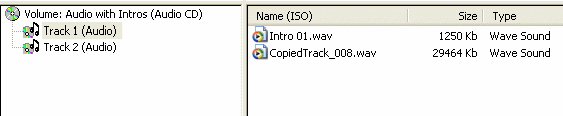
- In the GEAR Audio-CD project window, drag your first introduction into the project
- In the GEAR Audio-CD project window, drag your first actual song track (WAV, mp3, OGG etc.) into the project.
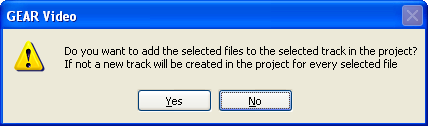
- Select Yes. This will add the intro and the song to Track 1.
- 11. Repeat capturing your intros for the rest of your tracks.
Note: Each track should have an intro and a song.
- Burn your CD.
- You're done!.
|